What we detect, and what we don't
This platform does not watch students. Here is the whole of what it does instead, including the parts that are inconvenient for us to write down.
- No camera by default
- No microphone by default
- Nothing streamed, ever
The short version
This platform does not watch students. It records what the browser tells us about the exam window, blocks casual copying, and shows a teacher what happened. It cannot tell you whether someone is reading notes, using a second device, or sitting next to a friend.
For an exam whose result carries real consequences, use a supervised venue. Our tools make an unsupervised exam more honest. They do not make it invigilated.
What we do
- We record events from the exam window. Every attempt carries a timestamped, server-side log: when the window lost focus, when the tab was hidden, when fullscreen was exited, when copy, cut, paste, right-click or print were attempted, when the connection dropped, and how long was spent on each question. Timestamps come from our servers, not the student's device, so changing the device clock changes nothing.
- We make casual copying inconvenient. Text selection, copy, right-click and printing are disabled inside the exam. Fullscreen can be required. When the window loses focus, the questions blur.
- One tab at a time. Opening the same attempt in a second tab of the same browser locks the older one, so an exam cannot be run twice side by side. This is same-browser only: a second browser, or a second device, is not visible to us and we do not claim otherwise. The duplicate is written to the log for the teacher; it is not counted toward auto-submit, because a restored session can open one by accident.
- We warn, escalate, and can auto-submit. Each detection can raise an on-screen warning. Past a threshold the school configures, the attempt is flagged for review or submitted automatically. The school chooses those numbers, and can turn auto-submit off.
- We give the teacher the evidence, not a verdict. Each attempt gets a timeline, counts by type, time per question and a flag: clean, review, or high risk. A flag means a person should look at this. Nothing on this platform fails a student automatically.
What we do not do
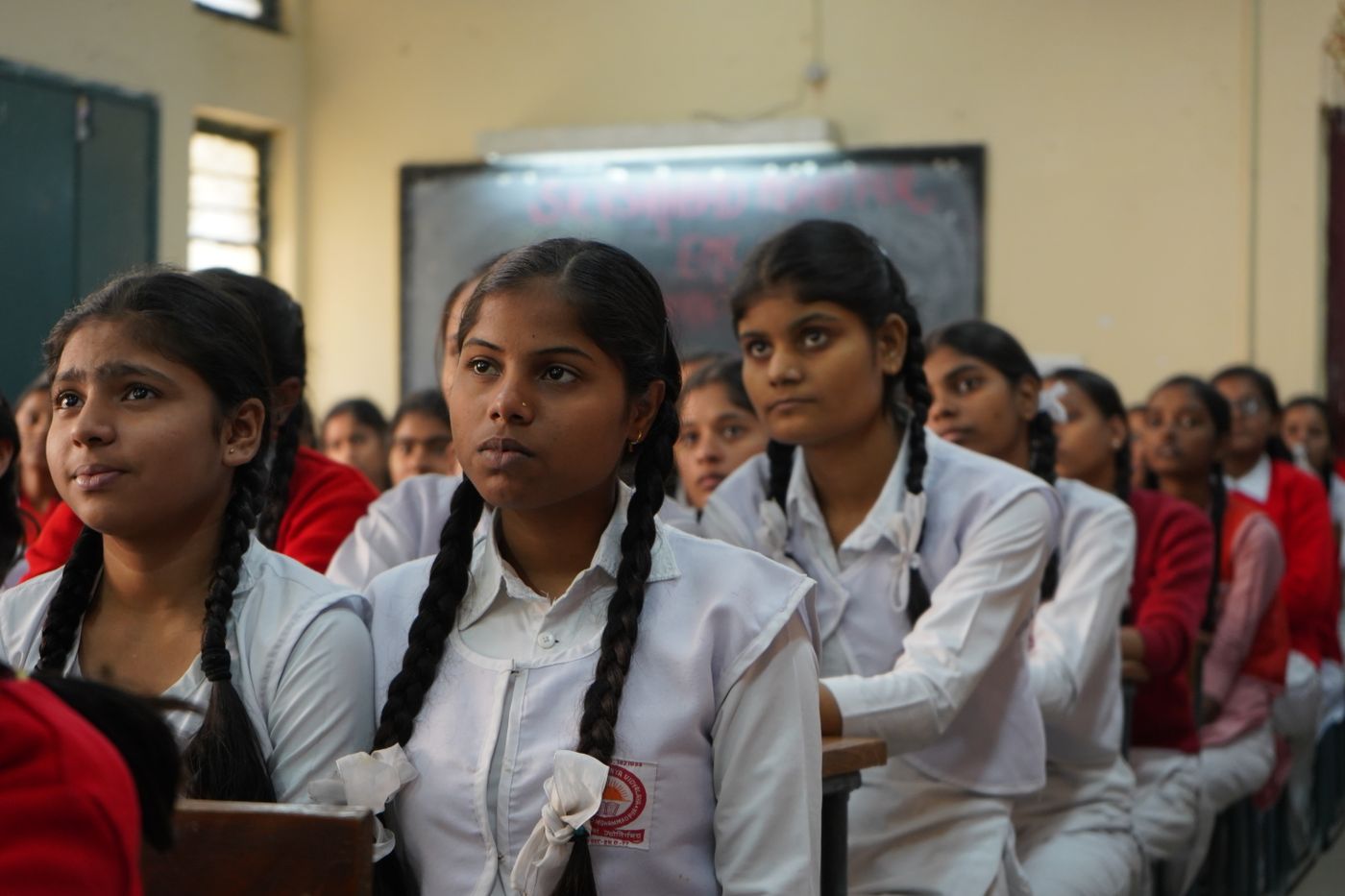
No camera. No microphone. No recording, by default. On an ordinary exam we do not use the webcam, we do not listen, we do not capture the screen, and no image, audio or video of a student is created, transmitted or stored at any point.
The one exception is exam surveillance, and it is opt-in three times over. A school's partner must enable it, the school must switch it on for a particular exam, and the student is told exactly what it does and must agree before the paper opens. Even then nothing is streamed or watched live: the camera and microphone are read on the student's own device, and only when a rule fires (nobody in front of the camera, more than one person, looking away for a while, a loud sound) are a few small pictures or a few seconds of sound kept. Ten moments at most, seen only by the exam's staff, deleted when results are published or after three months. A detection is evidence for a person to look at; it never changes a mark or a flag on its own.
No access to the rest of the device. A browser cannot see other applications, other browser windows, other tabs' contents, or what is on a second monitor.
What we cannot detect, plainly
A browser is a sandbox. It can tell us about its own window and nothing else. These are real, permanent gaps, not features we intend to add:
| We cannot detect | Why |
|---|---|
| A phone, tablet or second computer beside the student | Outside the browser entirely |
| Another person in the room, or answering for them | No camera by default; with exam surveillance on, a second face is kept as evidence, not proof |
| Printed notes, textbooks, or writing on a hand | Nothing to observe |
| A screenshot, or a photo of the screen | The OS screenshot key is not reachable by a web page; a phone camera certainly is not |
| A second monitor showing search results | Invisible to the browser |
| A remote-desktop or screen-share session | Looks identical to a normal session |
| Messaging apps on the same machine | Other windows are not observable |
| A browser extension that re-enables copying | Extensions outrank page scripts by design |
| Reading the page source, or the network tab | Devtools detection is a guess, not a fact |
| Who is actually sitting at the keyboard | We verify a Google account, not a person |
We also want to be clear about the limits of the signals we do collect:
- Focus loss is not proof of anything. A notification, a low-battery alert, a screen reader, an accidental swipe: all produce the same event as looking something up. That is why short blurs are ignored by default, and why a flag asks for a human, not an outcome.
- Devtools detection is a heuristic. It produces false positives on ordinary setups. We show it as a weak signal and it never triggers auto-submit.
- Copy blocking is a speed bump. Anyone determined can defeat it in under a minute. Its real value is that the attempt is recorded.
- Identity is only as strong as the Google account. A shared or borrowed account defeats it. We always show the account chooser rather than reusing the last session, which helps on shared school devices, but it is not identity verification.
Recommendations by stakes
-
Practice, homework, formative quizzes
This platform, unsupervised. Ideal fit.
-
Class tests, unit tests, internal assessment
This platform with warnings and flags; a teacher reviews anything flagged.
-
Term exams contributing to a final grade
Supervised computer lab, our platform for delivery and marking.
-
Board, entrance, certification, or anything with legal weight
Supervised venue with human invigilators and identity checks at the door. Use us for the paper, the timer and the marking, not for supervision.
Rules we hold ourselves to
- Marketing pages will not describe this product as proctoring, monitoring, surveillance, or AI invigilation. It is none of those things.
- We will not claim to prevent cheating. We detect a narrow set of browser events and we say which.
- No feature will auto-fail a student. A human decides, always.
- Exam surveillance stays opt-in, consented, capped and deleted on a schedule. We will not stream a camera, record a whole sitting, or let a detection decide anything.
For schools: what to tell students
Being open about this reduces both anxiety and cheating. A short notice on the instructions screen, which we ship by default:
During this exam we record when you leave the exam window, exit fullscreen, or try to copy or print. We do not use your camera or microphone unless your school has switched on exam surveillance for this paper — in which case you will be told exactly what it does, and asked to agree, before you start. If something looks unusual, your teacher will review it — no decision is made automatically.